
Step 1
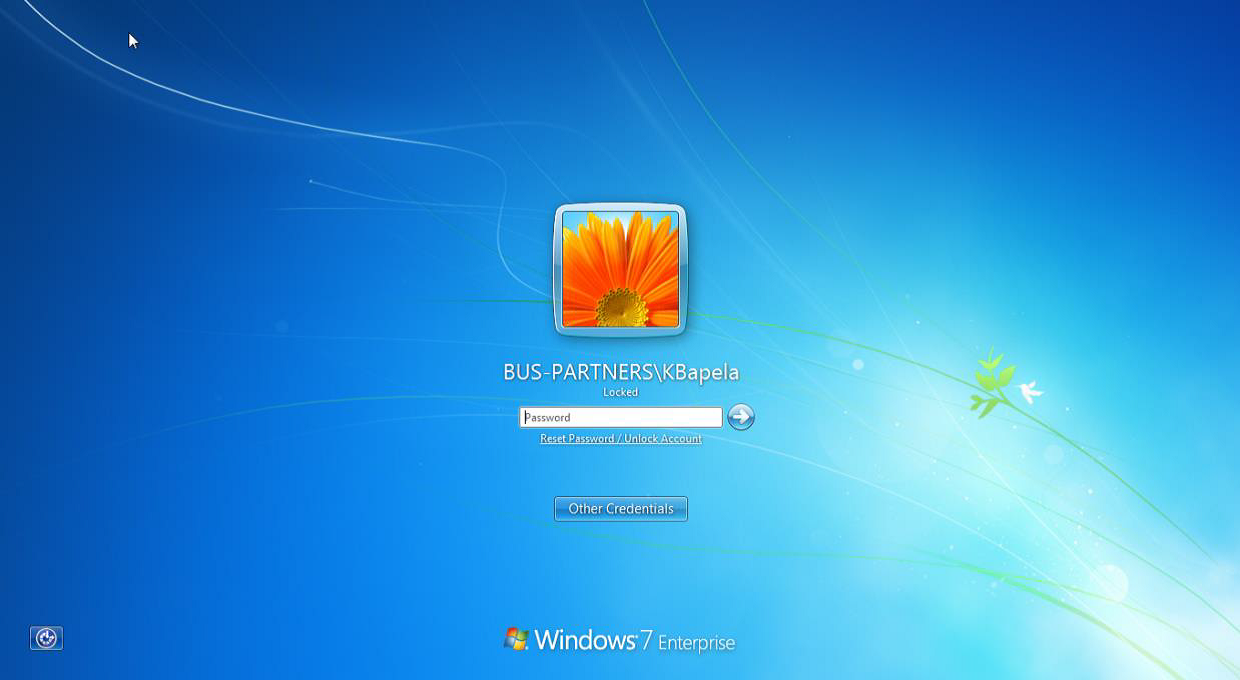
Below the password box you will notice a “Reset Password/Unlock Account”
Step 2
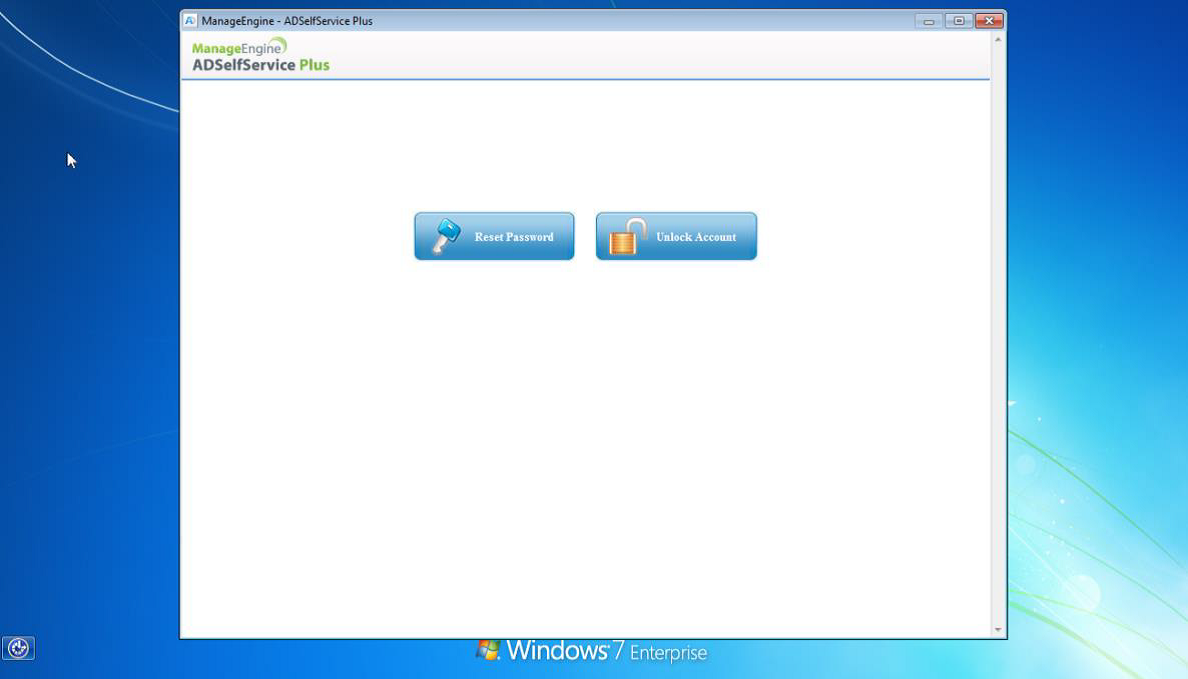
You can now select between unlocking/resetting your password.
Step 3
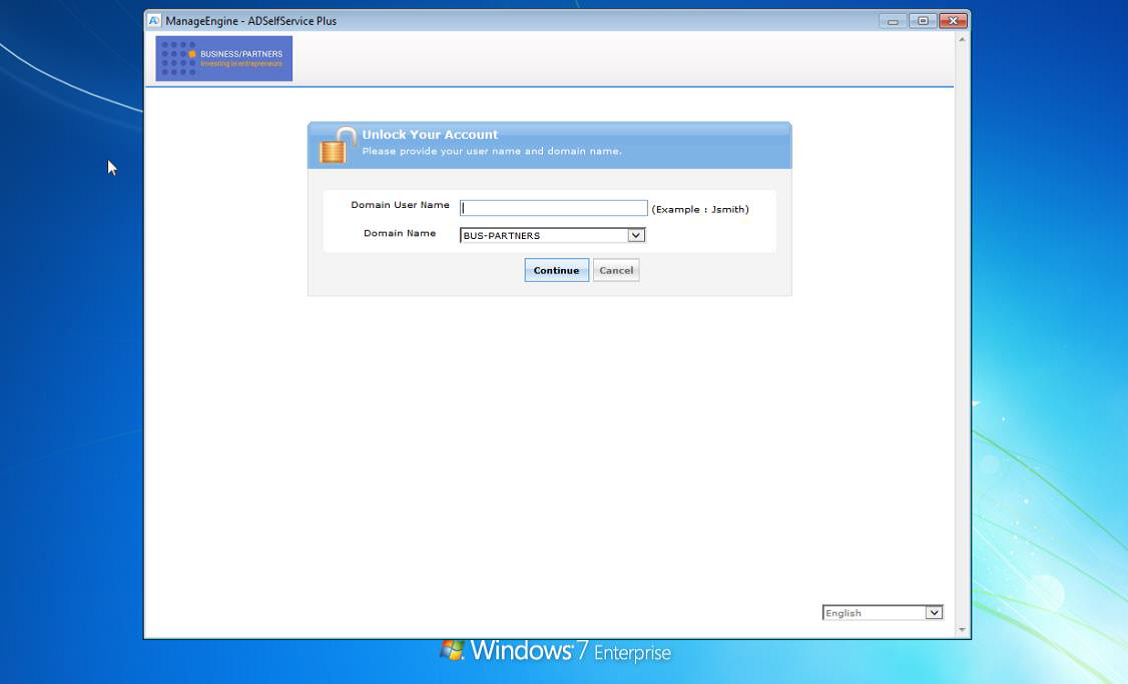
Enter your username and click continue
Step 4
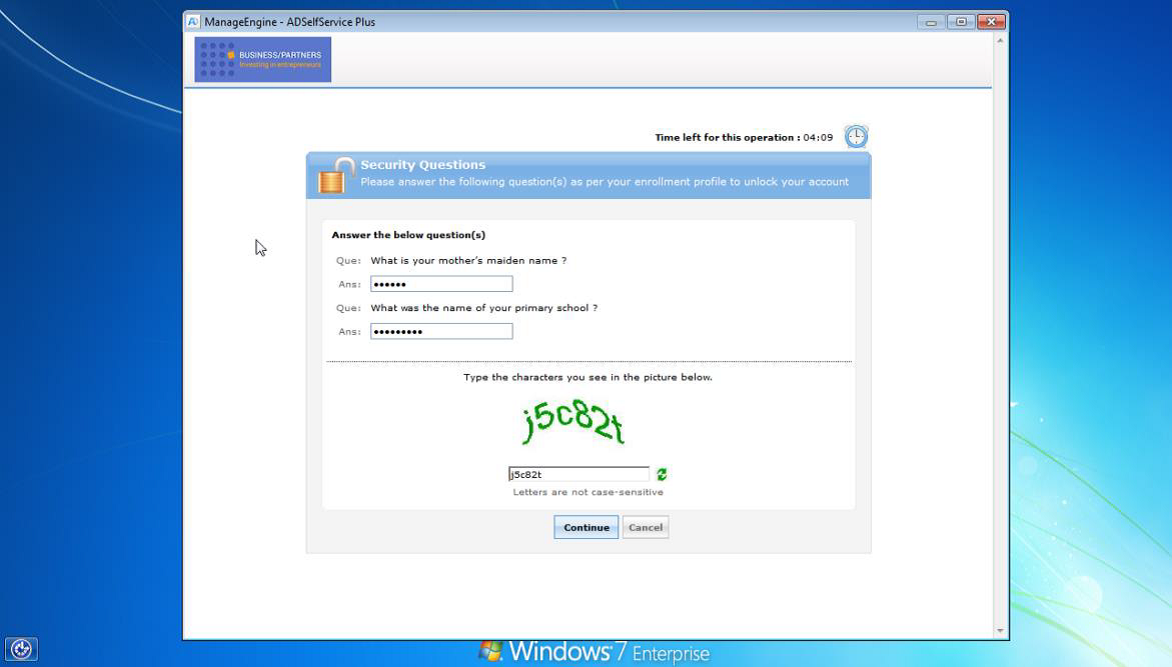
Now enter the answers that you have provided when you enrolled and complete the screen capture (Not case sensitive)
Step 5
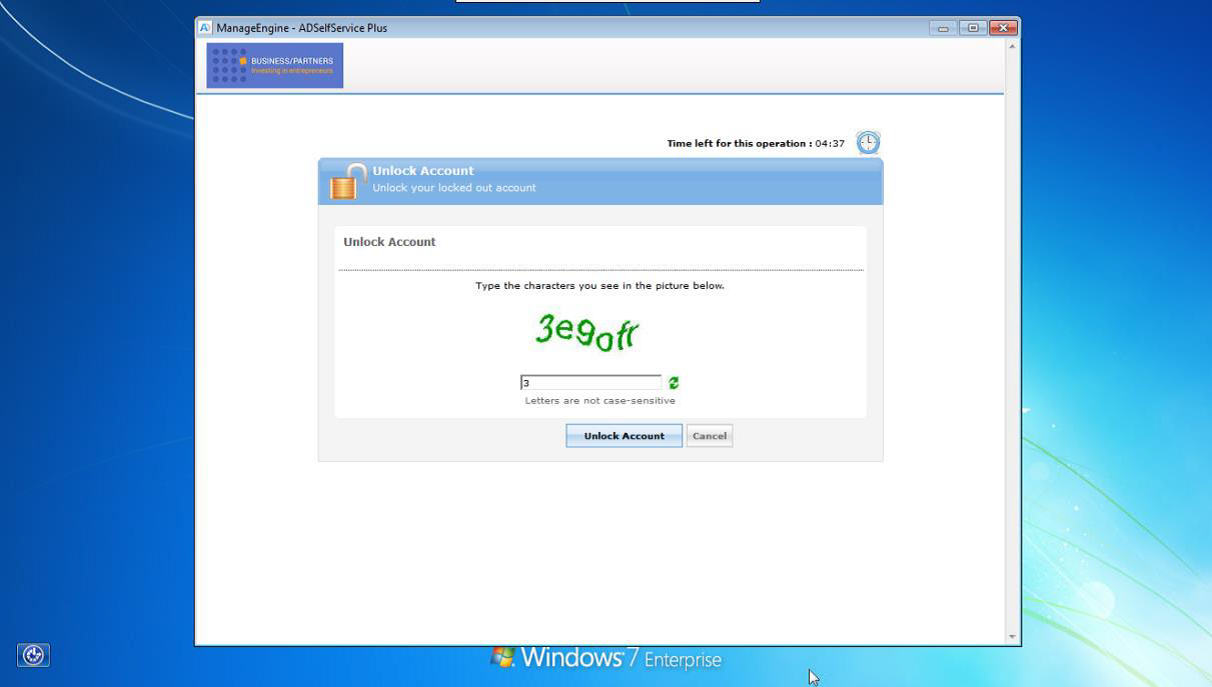
Confirm the next screen capture to ensure that you want to unlock your account.
Step 6
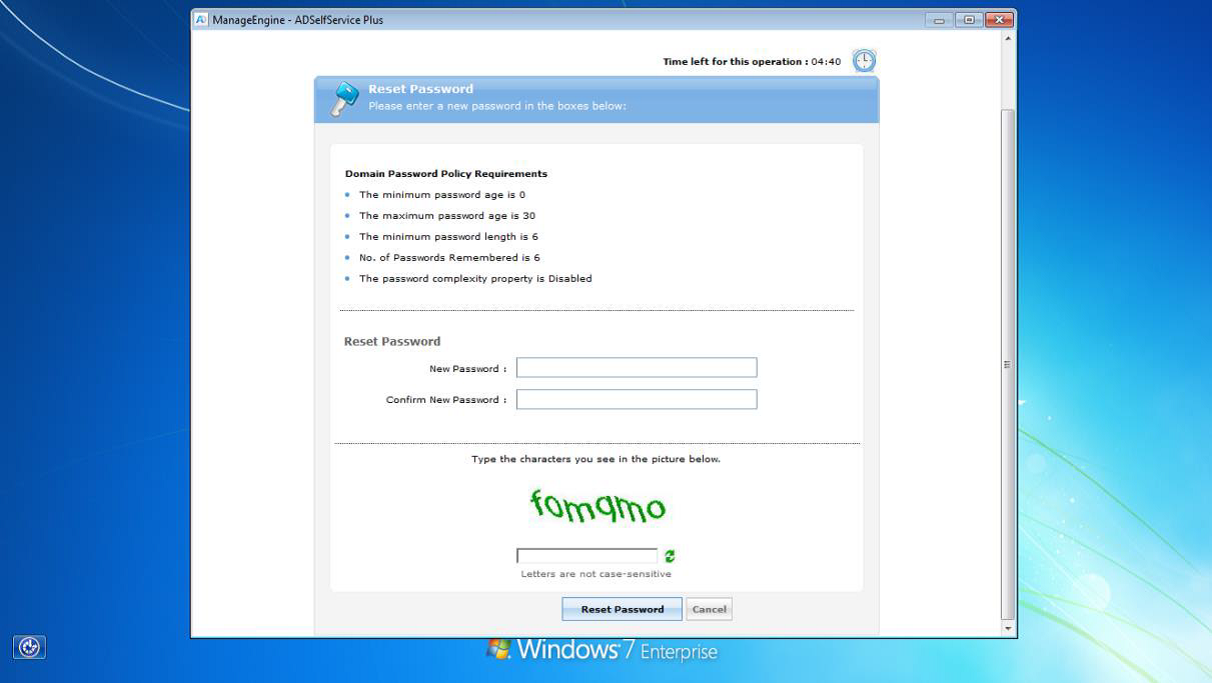
Resetting your password takes you through the same process, remember that you will have to comply with the complexity requirements.
Comments
0 comments
Please sign in to leave a comment.